Import only income and ignore outgoings?
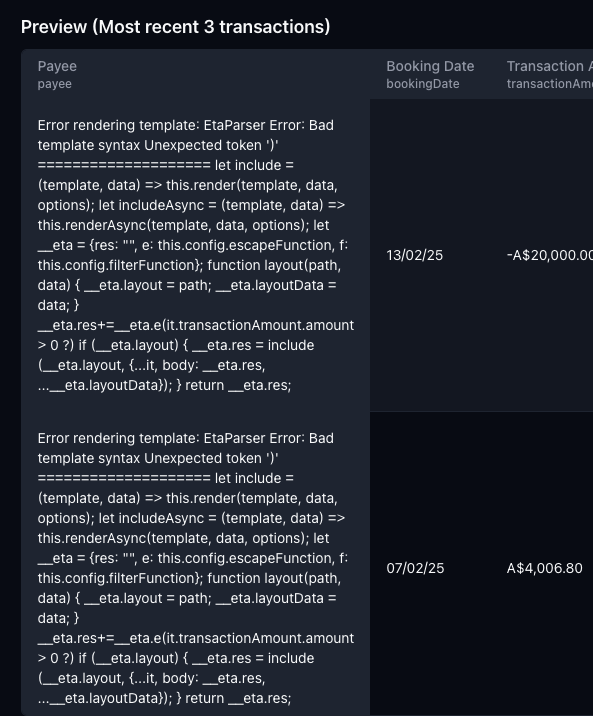
I need to import only incoming payments across 4 different accounts and ignore any outgoings. I tried configuring each account by clicking on the ‘payee’ tab, enabling ‘advanced’ and using the example template of it.transactionAmount.amount > 0 ? (which looked like it might work) but the preview looks like this, so I guess not:
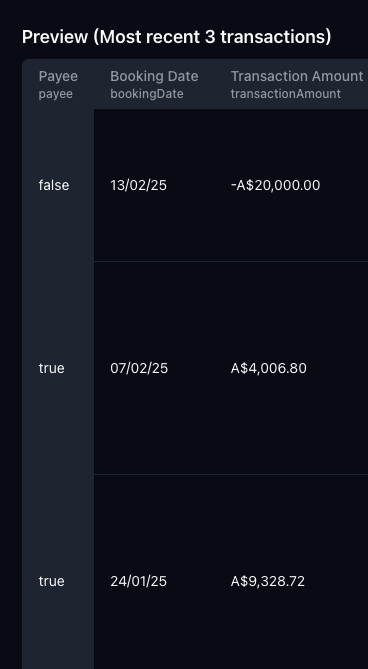
I also tried it.transactionAmount.amount > 0 (without the trailing question mark) which didn't produce the same errors, but also didn’t filter any outgoings from the preview:
Any ideas how do to this?
btw I’m not at all familiar with that JS template syntax being used. I’ve never seen it before otherwise I’d stab around trying things, but in this case I’m not even sure where to start.
Log in to comment and vote
Comments6
Amr from Lunch Flow
Feb 27, 2025
Hey @Chris 👋
The template only allows you to update the payee or notes fields, but it’d not completely filter out transactions from the import.
A potential solution would be to have another sheet referencing the main ‘Transactions’ Sheet where you use a query to pull in only the transactions you’re interested in. would that work? 😀
Amr from Lunch Flow
Feb 27, 2025
And that cryptic error isn’t a great UI, apologies, will make a note to fix that :D but the expression you’re writing is a Javascript expression, and it’s simply saying that it isn’t valid syntax.
If you have any trouble with the templates, let me know and I’d be happy to help :D